

Description
Elementor Pro Plugin WordPress Page Builder | Latest Version Features & Overview Latest Version
This is a GPL-distributed version. No official support. Clean, secure, and legally redistributed under the GPL license.
Note: Kindly install and activate the free plugin first, then install the Pro plugin. After both plugins are installed, install and activate the Pro Activator plugin.
When you unzip the Rank Elementor Pro file, you’ll find the plugin folder. You have to upload and install the Elementor Pro plugin through WordPress. The GPL version includes the core premium plugin features, but official Elementor Pro, automatic updates, and external author services are NOT included with the $0.36 (Rs/99) GPL version.
Elementor PRO is supported by an incredible network of professionals around the world, who empower each other and contribute to our platform.
Notice: In Elementor Pro GPL, “Kit Library doesn’t work now, Elementor have set an API with its Kit Library Premium that can only be accessed from License Key,” But the rest can be used easily, like pro templates, header, footer, pop-ups, pro elements and more.
Steps to Activate Elementor Pro
- Install Elementor Free Version First
- Connect with free Elementor account
- Install the Elementor Pro
Elementor is a great way to show off your content with ease. It has a live form editor, which means you can edit your forms without even leaving the edit page. It also comes with live custom CSS code support. You can place Elementor templates to sidebars, footers, or any other area you want, viz shortcodes or widgets. It is fully compatible with WooCommerce and has inbuilt fast-loading sliders.
This GPL Product is the EXACT same theme as sold by the developer and the original company.
Read our Terms & Conditions and FAQ before purchase.
Note – Unzip the file after purchase and then First Install Elementor Free Version then Install Elementor Pro
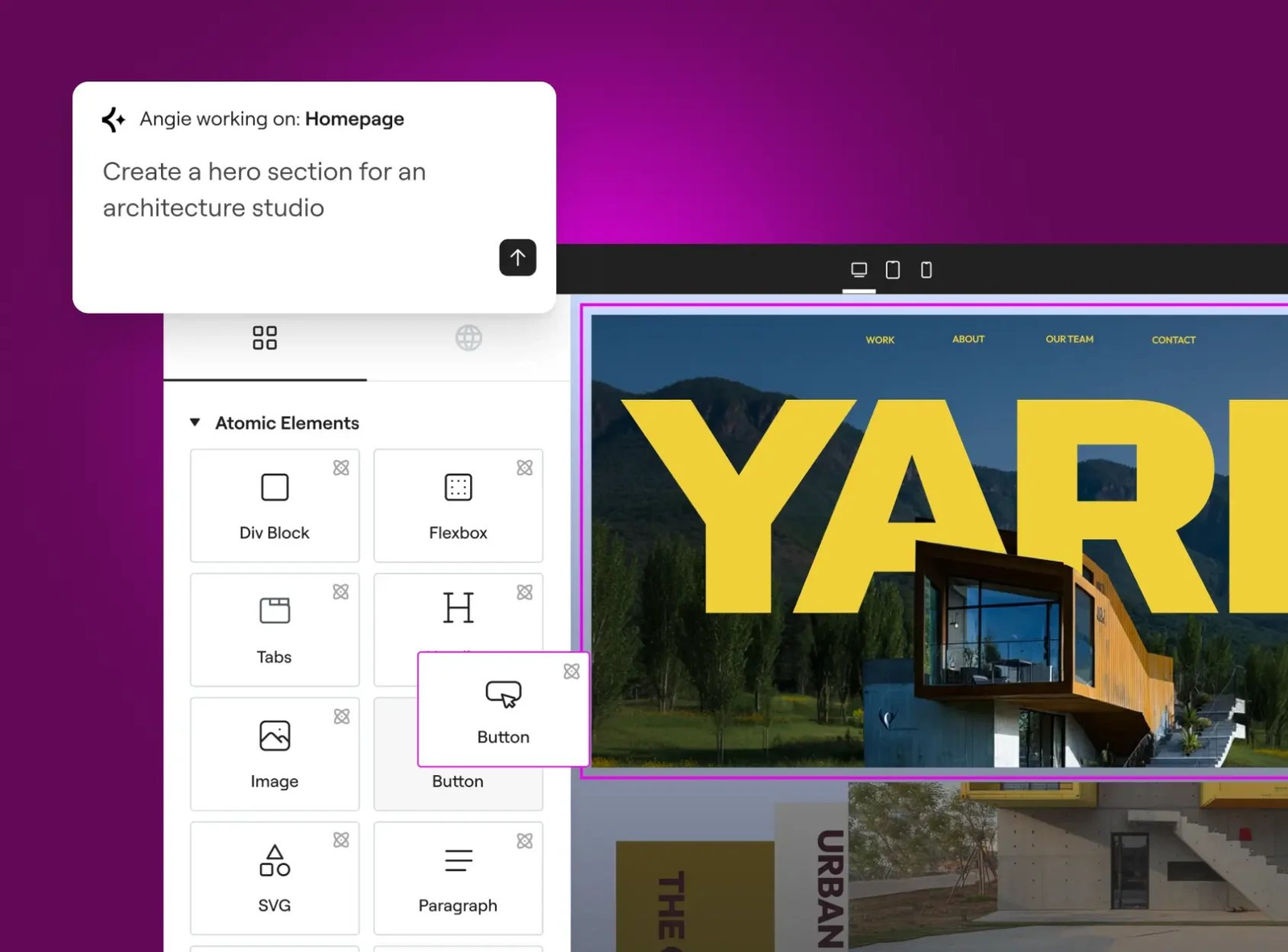
Build with precision. Design without limits.
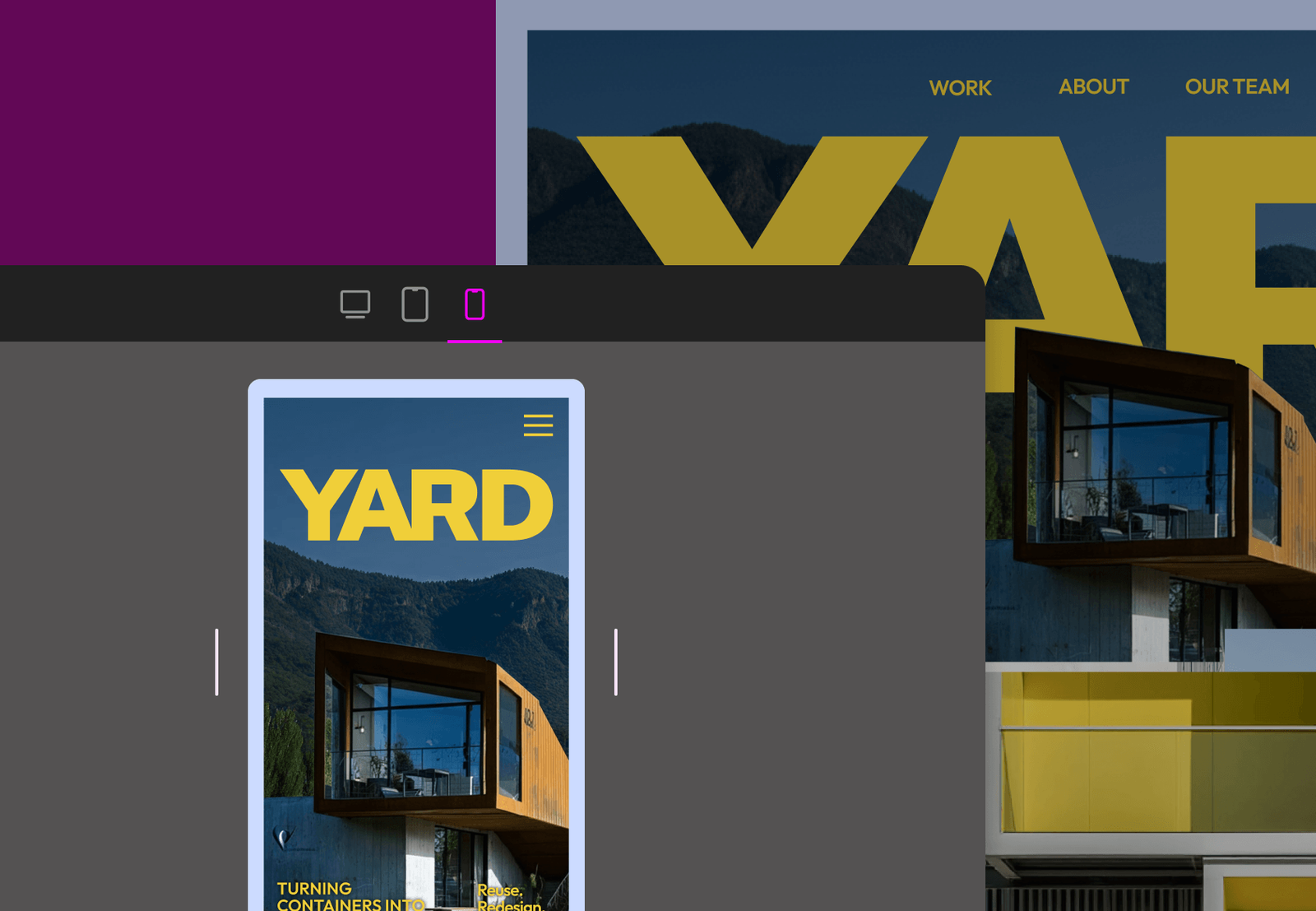
Responsive design control
Keep layouts sharp and consistent across breakpoints with client-ready websites that perform optimally on every screen size and device-specific design adjustments.
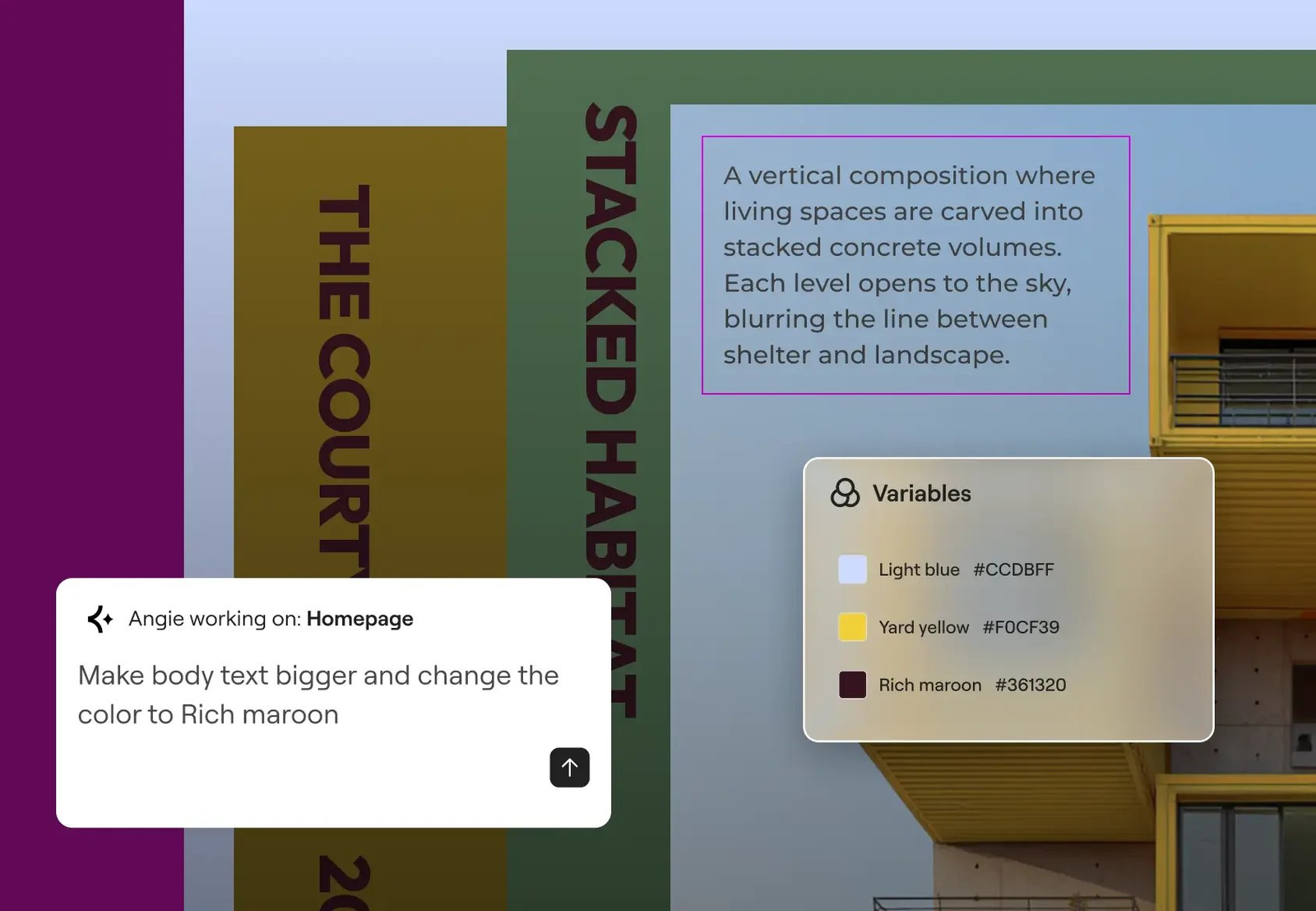
Global brand settings
Reinforce brand identity and minimize revisions using global design settings. Manage your site name, logo, global colors, and fonts, or have Angie handle it all for you.
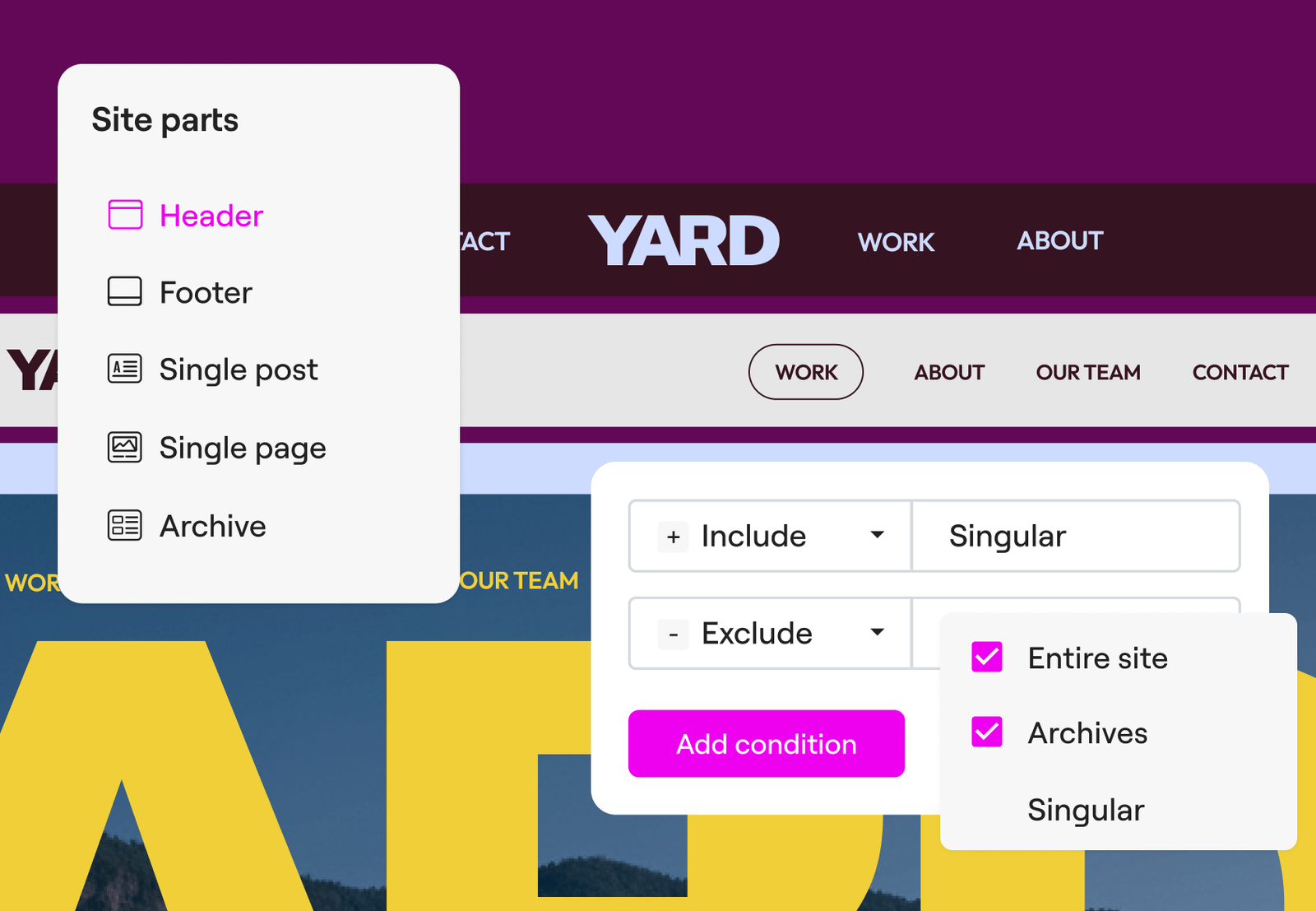
Flexible theme design
Customize headers, footers, and templates visually, giving clients cohesive websites with full control over pages, posts, products, archives, and search results.
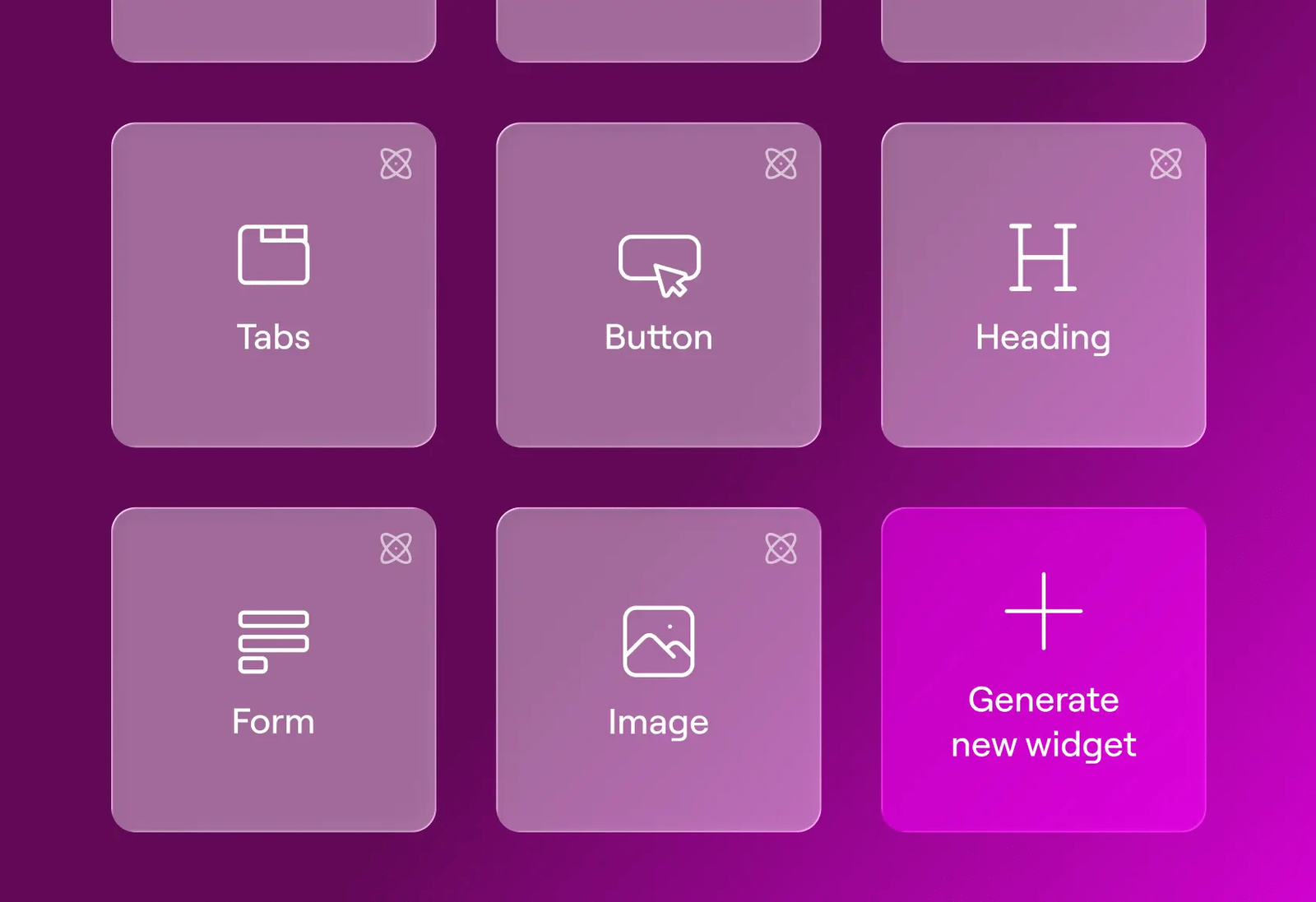
100+ widgets, and any you can think of
- Drag, drop, and style any widget onto any page
- Text, images, buttons, forms, eCommerce widgets, and more
- Use Angie to generate custom widgets exactly to your specs
From start to Live in a few steps:
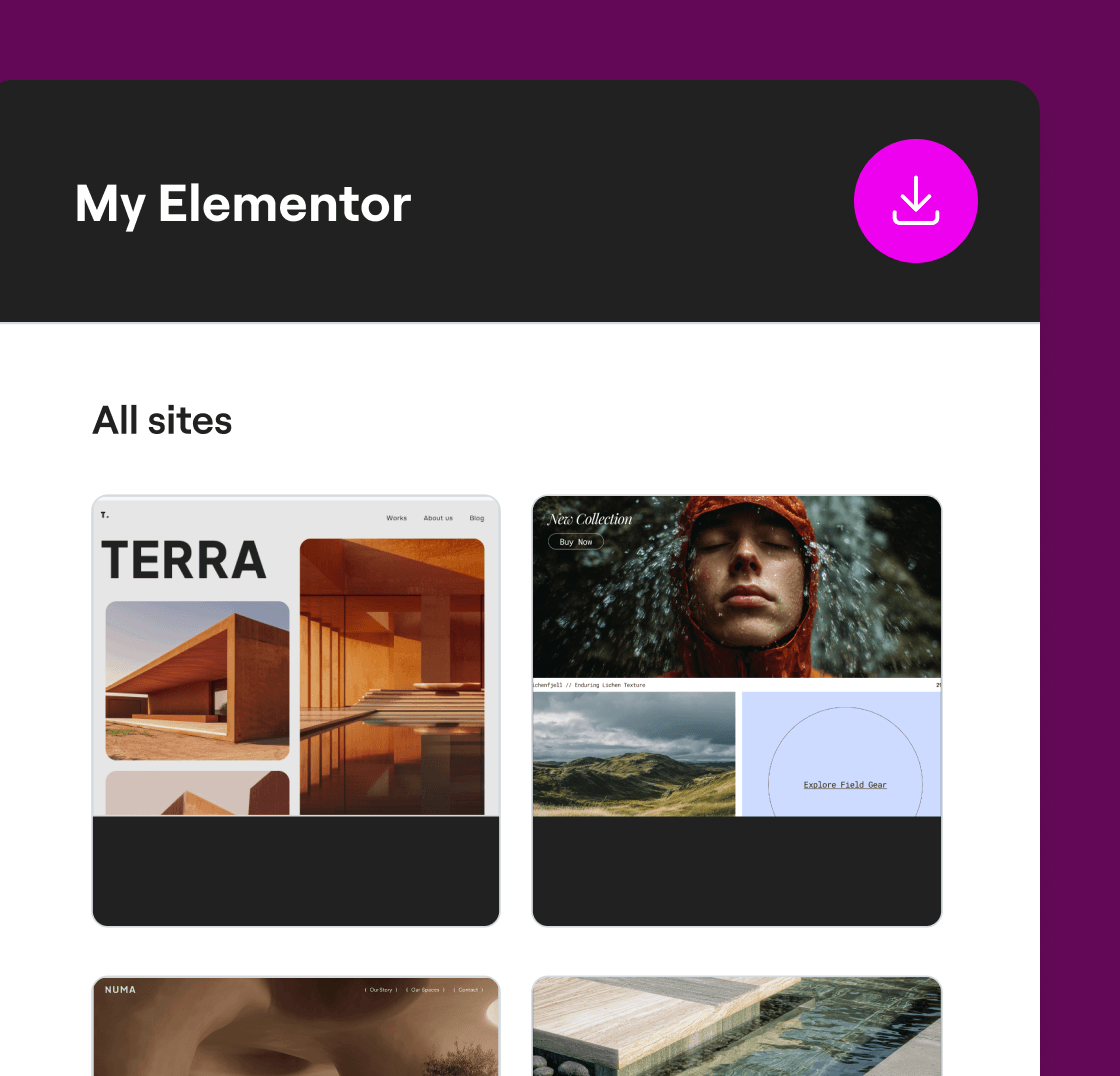
Step 1
Install and activate
Download your zip file from MyElementor. Install and activate the plugin through the ‘Plugins’ menu in WordPress.
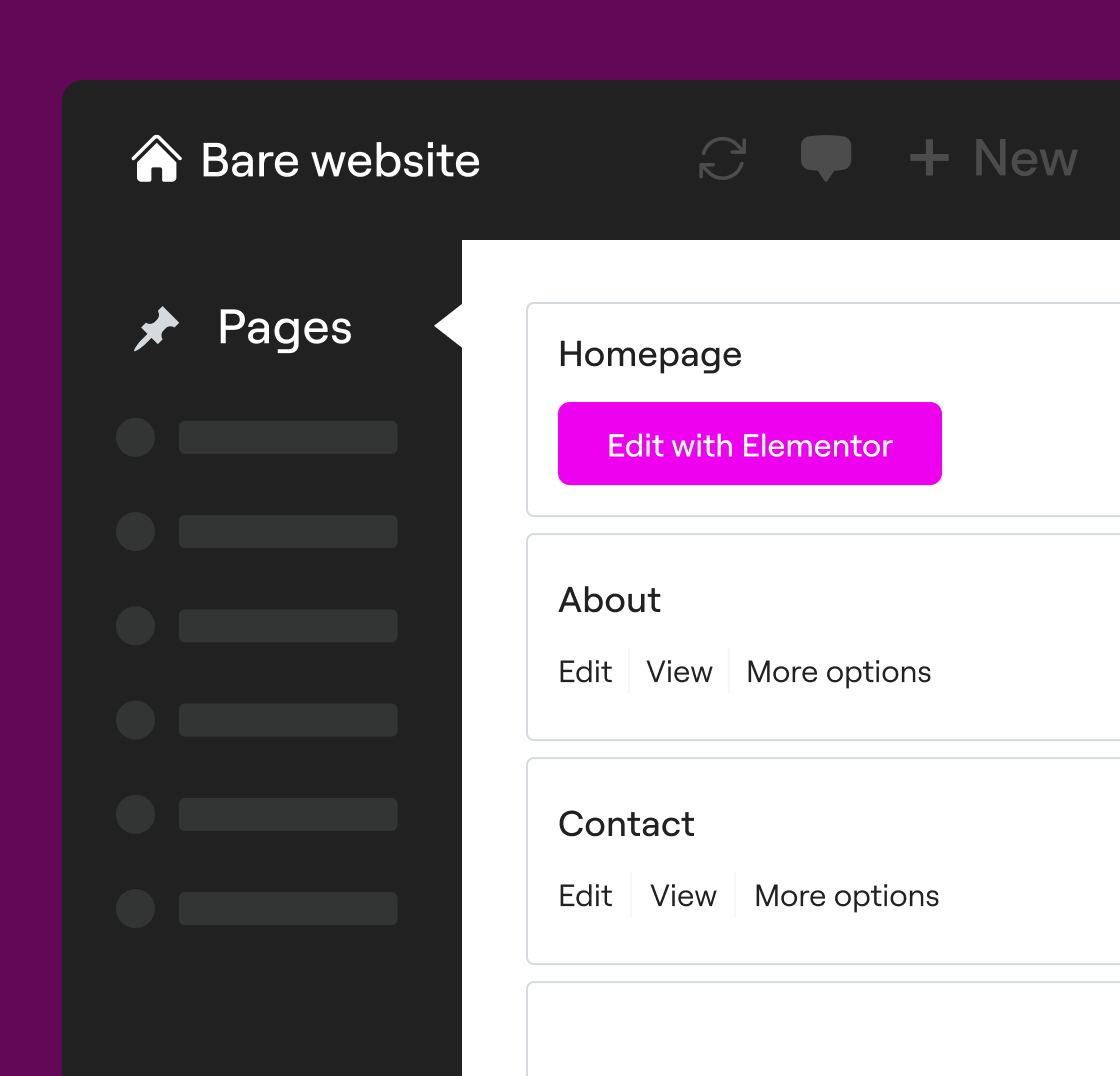
Step 2
Start a new page
Go to Pages > Add New and click Edit with Elementor to launch the visual editor and begin building with full creative freedom.
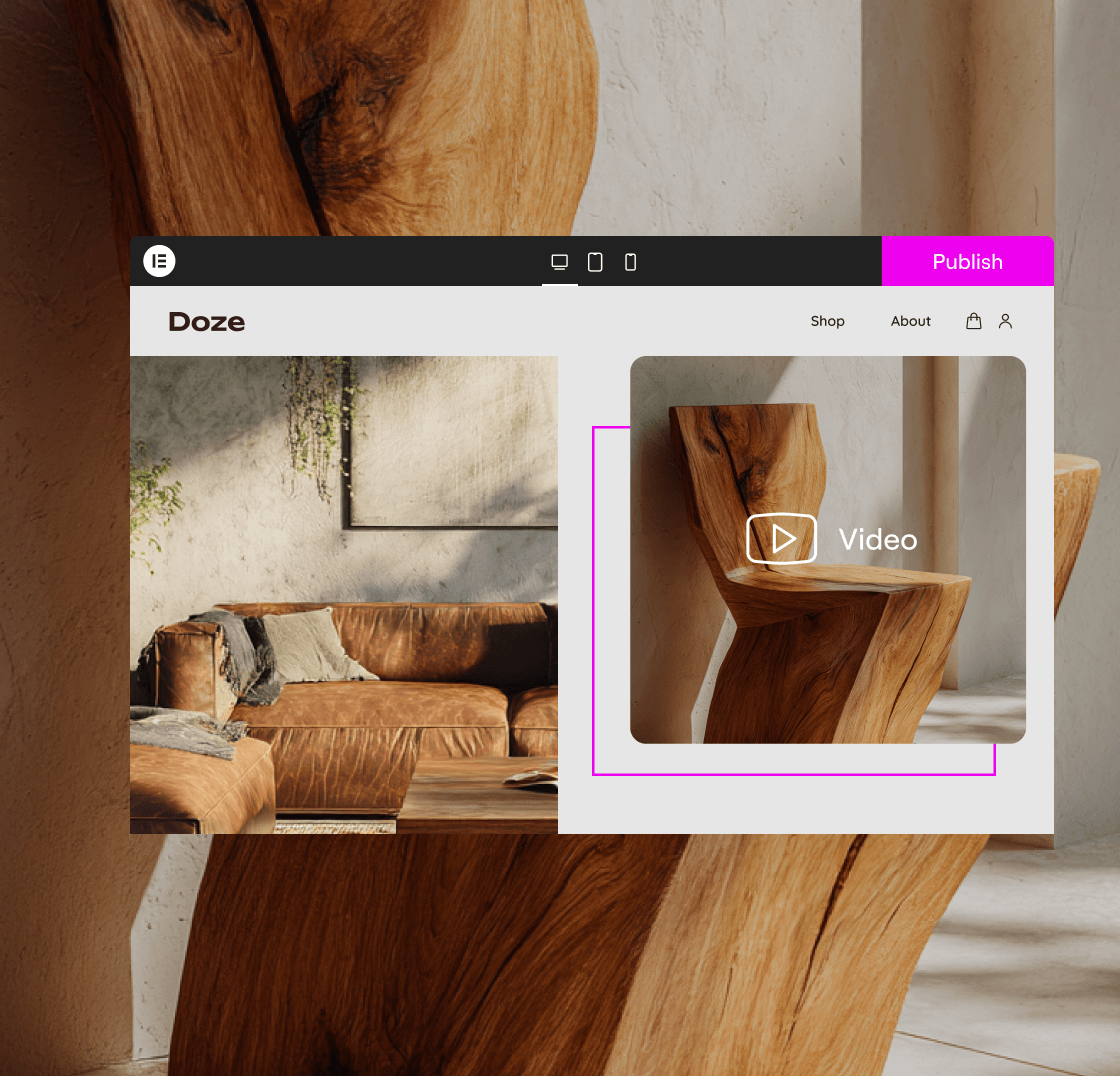
Step 3
Design and publish
Design your pixel-perfect website with the full suite of Editor features and drag-and-drop ease. Publish the site with confidence.
Reviews
There are no reviews yet.