

Description
Astra Pro Theme 4.13.10 + Portfolio 1.13.6 – Most Popular WordPress Theme
This is a GPL-distributed version of the Astra Pro Theme. No official support is included. The GPL version is legally redistributed under the GPL license and provides access to the core premium features.
Note: After downloading the Astra Pro Theme package, unzip the file to find the theme ZIP file. Upload and install the Astra Pro Theme through your WordPress dashboard. The GPL version includes the core premium theme features, but official Astra support, automatic updates, and external author services are NOT included with the $0.36 (Rs. 99) GPL version.
Let’s take a closer look at Astra Pro Theme
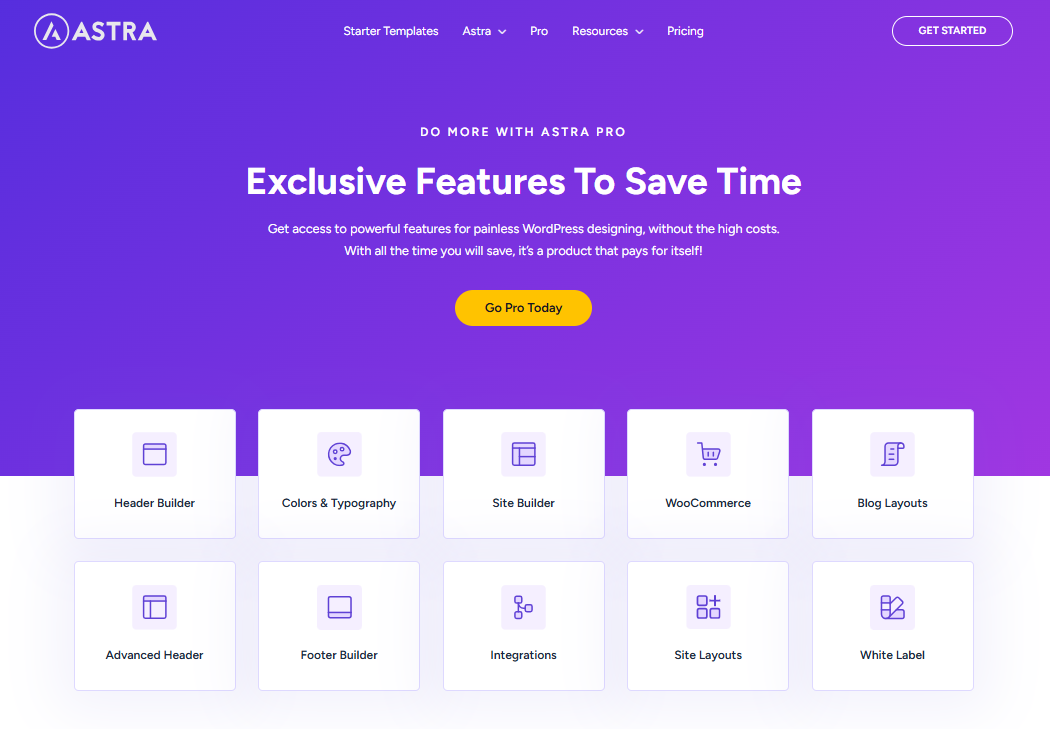
Discover how Astra Pro Theme can help you take your WordPress website to the next level. It offers advanced customization options, flexible header and footer controls, additional layout settings, typography and color controls, blog and archive enhancements, WooCommerce integration, and many other powerful features.
With its lightweight and flexible design, Astra Pro makes it easier to create professional, fast, and fully customizable WordPress websites for businesses, portfolios, blogs, online stores, agencies, and more.
Steps to Activate Astra Pro Theme
How to Install and Activate Astra Pro Theme
1. Download the Astra Pro Theme ZIP File
After purchase:
Download the Astra Pro Theme ZIP file to your computer.
If the downloaded file is a ZIP package containing multiple files, unzip it first.
Locate the actual Astra Pro Theme ZIP file inside the extracted folder.
2. Install and Activate the Astra Theme
Go to:
WordPress Dashboard → Appearance → Themes
Then:
Make sure the Astra Theme is installed.
Activate the Astra Theme before installing Astra Pro.
The Astra Pro features require the Astra Theme to be installed and activated first.
3. Upload and Install Astra Pro
Go to:
WordPress Dashboard → Plugins → Add New Plugin
Then:
Click Upload Plugin.
Click Choose File.
Select the Astra Pro ZIP file.
Click Install Now.
Wait for the installation to complete.
4. Activate Astra Pro
After installation:
Click Activate Plugin.
The Astra Pro features will now be available on your website.
5. Configure Astra Pro Settings
Go to the Astra settings section in your WordPress dashboard.
You can then:
Configure the available PRO features.
Enable or disable features according to your requirements.
Customize the settings to match your website design and functionality.
Important Note
This is a GPL-distributed version of Astra Pro.
The GPL version may include premium features.
Official developer support is not included.
Automatic updates are not included.
Services provided directly by the original developer are not included with the GPL version.
Before Installation
Always keep a complete backup of your WordPress website before installing new plugins or making major changes.
Back up your WordPress files.
Back up your database.
Make sure you can restore your website if an unexpected issue occurs.
Astra Theme WordPress Features
- No jQuery
- Load in just half seconds!
- Less than 50 KB
- Optimized code
- Layouts
- Transparent Header
- Header and Footer Options
- Dedicated Sidebar
- WooCommerce Ready
- Default Container
- Google Fonts
- Responsive Font Size
- Font Size PX, EM
- Custom Fonts
- Paragraph Margin Option
- Text Transform
Astra Pro Addon for Astra Theme
Astra Pro Addon for Astra Theme comes with the best additional features that can take your website design to the next level. Download the latest version and make your site complete.
Astra uses Vanilla JavaScript that prevents render-blocking jQuery from affecting your website’s performance.
Astra requires less than 50KB of resources, compared to the hundreds of KB required by many other WordPress themes.
Astra uses default WordPress data and follows the best coding standards to ensure that every piece of code is optimized.
Astra is built for speed and fully optimized for performance. Being one of the most lightweight WordPress themes, it can load in less than 0.5 seconds.
Use layouts to manage your website’s structure, including headers, blogs, single pages, posts, and other sections.
Astra comes with several built-in header and footer options that can be extended even further with the Astra Pro Addon.
Create beautiful templates with your favorite page builder or use a shortcode to include a layout within a mega menu on your website.
Astra is completely WooCommerce-ready and allows you to build and customize your online store directly through the WordPress Customizer. Create a fast and attractive store today!
Create page-specific sidebars with Astra that can override the default sidebar settings and customizations on individual pages.
Use Sticky Header functionality to keep your header fixed at the top of the page even when users scroll. This provides quick access to the navigation menu from anywhere on the page.
Astra Pro Addon For Astra Theme Compatible with LearnDash Integration
The Astra LearnDash Integration makes it easier for you to create and design a beautiful website for offering an online course.
Astra GPL gives you several design options and features that focus more on providing a better learning experience.
Want to create a distraction-free, conversion-oriented website for your next online course with LearnDash? Combine that with Astra and explore many customizations that will help you do so.
Astra Pro Addon For Astra Theme Compatible with LifterLMS Integration
The Astra LifterLMS integration lets you host the best online learning experience for students accessing your website. Astra makes sure you get complete design freedom to customize everything on your website and make it look good.
Features like distraction-free learning, a conversion-oriented checkout page, and more let you create a targeted website that focuses on learning and bringing in higher conversions.
Reviews
There are no reviews yet.