
Description
WPCode Pro Latest Version
This is a GPL-distributed version of the WPCode Pro Latest Version plugin. No official support is included. The plugin is clean, secure, and legally redistributed under the GPL license.
Note: When you unzip the WPCode Pro file, you’ll find the plugin ZIP file. You need to upload and install WPCode Pro through WordPress. The GPL version includes the core premium plugin features, but official WPCode support, automatic updates, and external author services are NOT included with the $0.36 (Rs. 99) GPL version.
Let’s have a closer look at WPCode Pro
Discover how WPCode Pro can help you easily add and manage custom code snippets on your WordPress website without editing theme files directly. It provides advanced snippet management, conditional logic, automatic insertion, JavaScript and CSS support, PHP snippets, reusable code blocks, and other powerful tools for safely customizing and extending your WordPress website.
Steps to Activate WPCode Premium
Install WPCode Free Version First
Install and Activate WPCode Free Version
Upload and Install WPCode Pro
WPCode Pro is a powerful way to add, manage, and organize custom code snippets on your WordPress website without directly editing your theme files. It supports PHP, JavaScript, CSS, HTML, and other custom snippets, along with advanced conditional logic, automatic insertion locations, reusable snippets, and powerful code management features.
This GPL Product is a redistributed version of the premium plugin. It may include premium features available under the GPL, but official developer support, automatic updates, and services provided directly by the original company are not included.
Read our Terms & Conditions and FAQ before purchase.
Note – Unzip the file after purchase and then First Install and Activate WPCode Free Version, then Upload and Install WPCode Pro.
WPCode Pro – WordPress Code Snippets Plugin
Simplify WordPress Code Management
WPCode Pro is a powerful WordPress code snippets plugin that makes it easy to add, manage, and organize custom code without directly editing your theme files. It provides a centralized interface for managing PHP, JavaScript, CSS, HTML, and other custom snippets safely and efficiently.
Whether you are a developer, website owner, or WordPress administrator, WPCode Pro helps you add custom functionality, tracking scripts, integrations, and website enhancements with greater control and flexibility.
Key Features
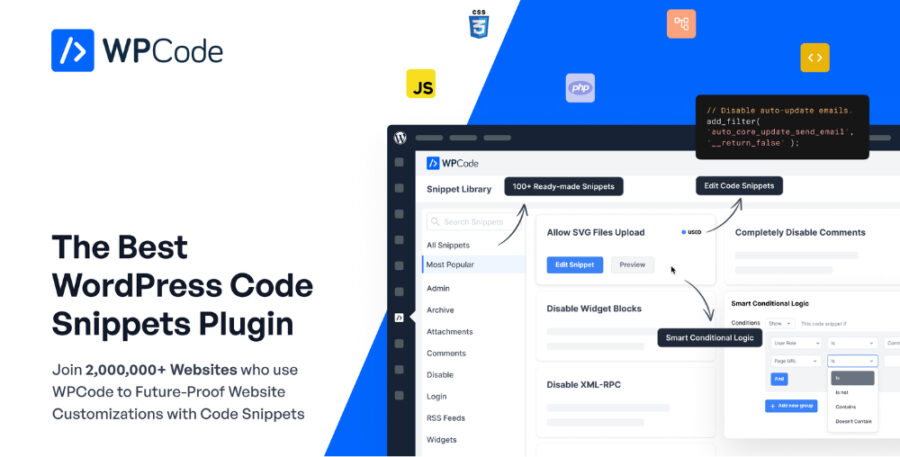
Ready-Made Snippets Library – Access useful pre-built snippets to save development time.
Custom Code Snippets – Add and manage PHP, JavaScript, CSS, HTML, and other custom code.
Smart Conditional Logic – Control exactly where and when your snippets should run.
Advanced Auto-Insert Locations – Automatically insert code into supported areas such as headers, footers, and content sections.
Header & Footer Scripts – Add tracking codes, verification codes, meta tags, analytics scripts, and other custom scripts.
Safe Code Management – Manage custom snippets directly from the WordPress dashboard.
Code Generators – Create certain types of WordPress functionality more easily.
Ecommerce Conversion Tracking – Add conversion pixels and tracking code for WooCommerce and other supported ecommerce setups.
Dynamic Content & Shortcodes – Create reusable content and functionality through custom shortcodes.
Reduce Plugin Bloat – Replace some simple single-purpose plugins with lightweight custom snippets.
Cloud Snippet Storage – Store and reuse snippets across supported websites.
Easy Organization – Activate, deactivate, edit, organize, and manage snippets from one place.
Why Use WPCode Pro?
WPCode Pro provides a convenient way to manage custom WordPress code without constantly editing theme files. It is useful for developers and website owners who need to add custom functionality, tracking scripts, integrations, or website customizations.
Benefits
No need to edit theme files for every customization
Manage custom snippets from one dashboard
Supports multiple code types
Flexible code insertion options
Advanced conditional rules
Header and footer script management
WooCommerce tracking and conversion support
Reusable shortcode functionality
Helps reduce unnecessary plugins
Suitable for beginners and advanced WordPress users
Download WPCode Pro Plugin + Addons
Get 4 WPCode Pro items + Addons in one package for only Rs. 99.
The package includes:
WPCode Location
WPCode Multisite
WPCode Pixel
WPCode Pro Plugin
Download Note
If you are having trouble downloading the WPCode Pro Plugin, try disabling your ad blocker for the website or use a different web browser.
If disabling the ad blocker or changing the browser does not solve the issue, please contact us for assistance.
WordPress Compatibility
WPCode Pro is designed for WordPress websites and can be used for a wide range of customization, development, tracking, and code-management tasks.
Product Type: WordPress Plugin
Category: Code Snippets & Website Customization
Platform: WordPress
Important Note
Before adding or modifying custom code on your website, it is recommended to create a complete backup of your WordPress website. Incorrect code can affect website functionality, so use custom snippets carefully and test important changes before applying them to a live website.
Reviews
There are no reviews yet.