
Description
Advanced Custom Fields (ACF) Pro Latest Version
This is a GPL-distributed version of Advanced Custom Fields (ACF) Pro. No official support is included. The plugin is clean, secure, and legally redistributed under the GPL license.
Note: When you unzip the ACF Pro file, you’ll find the plugin ZIP file. You need to upload and install ACF Pro through WordPress. The GPL version includes the core premium plugin features, but official ACF support, automatic updates, and external author services are NOT included with the $0.36 (Rs. 99) GPL version.
Let’s have a closer look at Advanced Custom Fields (ACF) Pro
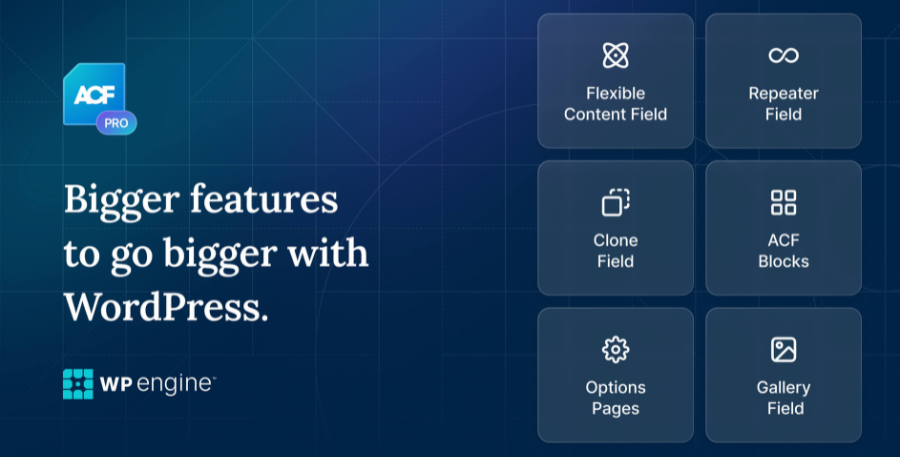
Discover how ACF Pro can help you build more flexible and dynamic WordPress websites. It provides powerful custom field tools, advanced field types, repeaters, flexible content layouts, options pages, gallery fields, and other features that give you greater control over your website’s content and structure.
Steps to Activate Advanced Custom Fields (ACF) Pro
How to Install and Activate Advanced Custom Fields (ACF) Pro
Download the ACF Pro ZIP file
After purchase, download the ACF Pro ZIP file to your computer.
If the downloaded file is a ZIP package containing multiple files, unzip it first and locate the actual ACF Pro ZIP file.
Install and Activate ACF Free Version
Go to WordPress Dashboard → Plugins → Add New Plugin.
Search for Advanced Custom Fields.
Click Install Now and then Activate.
The free version should be installed and activated before installing the Pro version.
Upload and Install ACF Pro
Go to WordPress Dashboard → Plugins → Add New Plugin.
Click Upload Plugin.
Click Choose File and select the ACF Pro ZIP file.
Click Install Now and wait for the installation to complete.
Activate ACF Pro
After installation, click Activate Plugin.
The ACF Pro features will now be available on your website.
Configure ACF Pro Settings
Go to WordPress Dashboard → Custom Fields.
Create and configure your custom fields, field groups, and other available ACF Pro features according to your website requirements.
Important Note:
This is a GPL-distributed version of Advanced Custom Fields (ACF) Pro. The plugin may include premium features, but official developer support, automatic updates, and services provided directly by the original developer are not included with the GPL version.
Before Installation:
Always keep a backup of your WordPress website before installing new plugins or making major changes to your website.
Advanced Custom Fields (ACF) Pro Latest Version
Supercharge your internet site together with strong functionality!
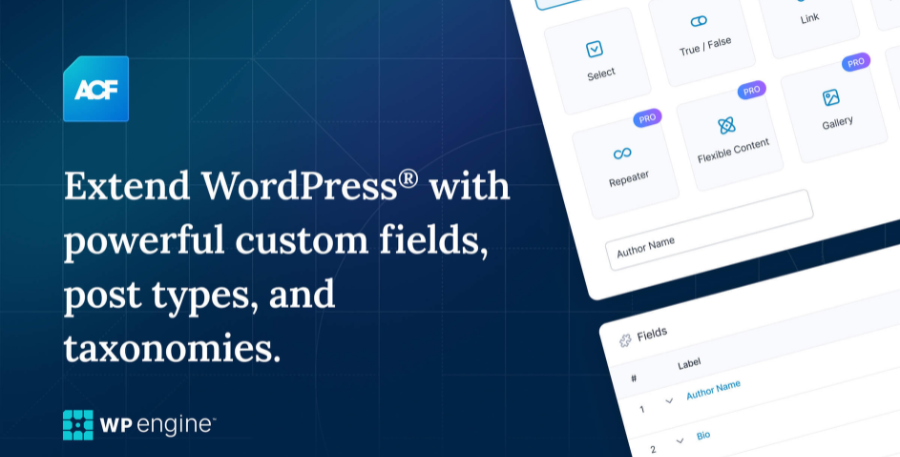
ACF PRO consists of extra fields & purposes in accordance with higher enhance websites along with repeatable blocks, page building layouts, intuitive galleries, custom settings pages and reusable fields!
Use the Advanced Custom Fields plugin according to receive fulfilled monitoring of you WordPress perform screens & customized discipline data.
Add fields of demand. Our field builder permits you in conformity with quickly then easily add fields in accordance with WP fulfill screens including solely the click over a temperate buttons!
Add them anywhere. Fields execute stand added whole on WP along with posts, users, taxonomy terms, media, comments or too custom options pages!
Show them everywhere. Load and show your custom field values into somebody theme template file for consideration including our problem uninterrupted developer friendly functions!
VERSİON 5 EARLY ACCESS
Advanced Custom Fields model 5 is scheduled because launch between mid 2018. This primary replace introduces modern fields, instant areas and new features!
To help grant the near seamless update possible, we hold blanketed a simple Early Access opt-in feature in accordance with allow the replace now.
FEATURES
Simple & Intuitive
Powerful Functions
Over 30 Field Types
Extensive Documentation
Millions over Users
PRO Feature #1
The Repeater Field
The repeater field allows you to create a set of sub fields which can be repeated again, and again, and again.
Any type of field can be added as a sub field which allows you to create and manage very customized data with ease!

PRO Feature #2
ACF Blocks
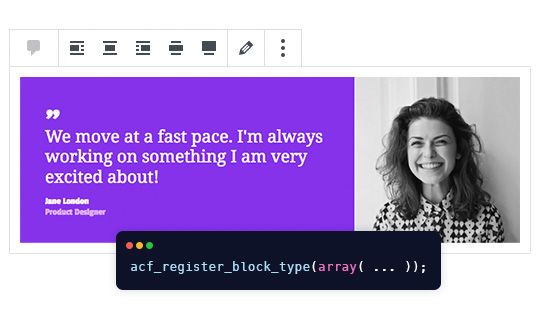
Discover a powerful PHP-based framework for developing custom block types.
ACF blocks are highly customisable and powerfully dynamic. They integrate deeply with custom fields allowing PHP developers to create bespoke solutions inline with the modern WordPress block editor and theme development.
PRO Feature #3
The Flexible Content Field
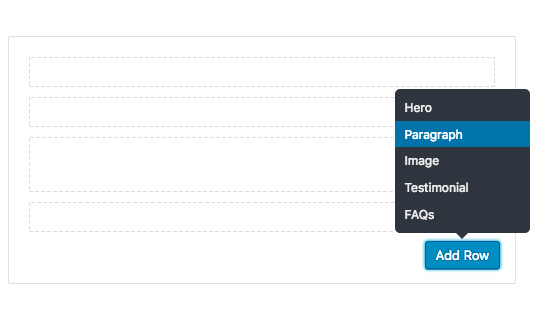
The flexible content field is a complete content layout manager!
Define groups of sub fields (layouts) and add, edit, and re-order them to create highly customized content!
PRO Feature #4
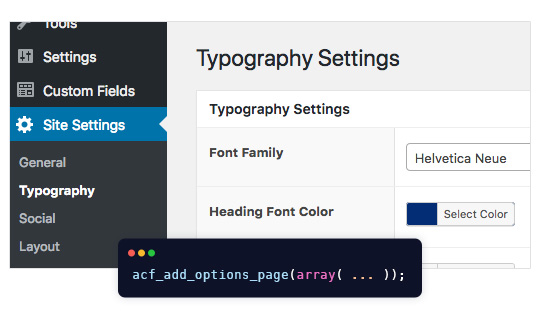
Options Pages
The options page provides a set of functions to add extra admin pages to edit ACF fields!
All data saved on an options page is global and can be displayed on any page throughout the website (good for header and footer data)!
PRO Feature #5
The Gallery Field
The gallery field provides a simple and intuitive interface for managing a collection of images.
Multiple images can be added, edited and sorted with ease!

PRO Feature #6
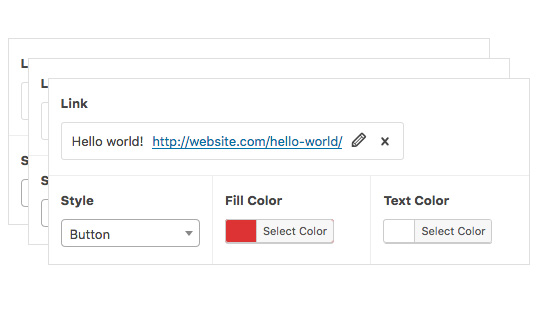
The Clone field
The clone field allows you to reuse existing fields and field groups on demand!
With lots of powerful settings, this field unlocks a more efficient workflow for managing field settings.
Reviews
There are no reviews yet.